Creative drawing for children
Create a picture story or winter landscape. Experiment with colours and shapes, undo steps and develop original ideas while practising mouse skills.
Explore digital art with brushes, stamps, shapes and magic effects.
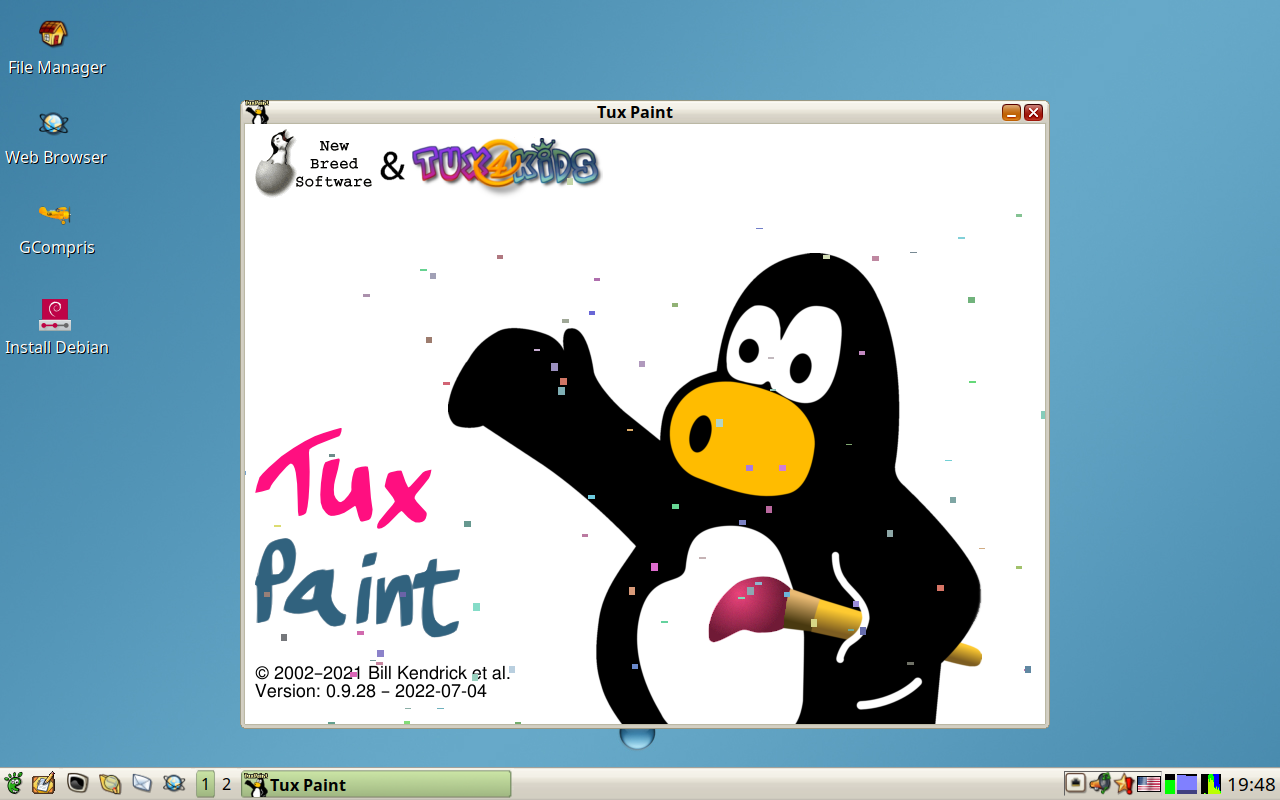
Create a picture story or winter landscape. Experiment with colours and shapes, undo steps and develop original ideas while practising mouse skills.
Tux Paint presents a drawing area, tools, colours and relevant options in a simple interface. Start with a brush, then combine lines, shapes and stamps. Undo makes experimentation easier because a child can change a decision without starting the entire picture again.
Prepared motifs can become characters in a story. Combine them with hand-drawn backgrounds and use Magic tools to transform parts of the picture. The available effects and stamps depend on the installed version and additional packages.
Create an icy landscape with blue water, floating ice and animals. Invent a story about their journey, then draw a second scene from another viewpoint. This turns a drawing exercise into a storytelling project.
Illustrate geometric shapes, seasons or a story from a reading lesson. Invite children to explain their choice of colours, sizes and positions. Ask open questions about their ideas rather than judging technical perfection.
Tux Paint is a free drawing program whose development began in 2002. A mouse and screen are enough to get started. Introduce a few tools at a time. The program is available independently; Icefun combines it with other educational applications.
CHF 25 once for the prepared Icefun system, not the individual free application.
Buy Icefun