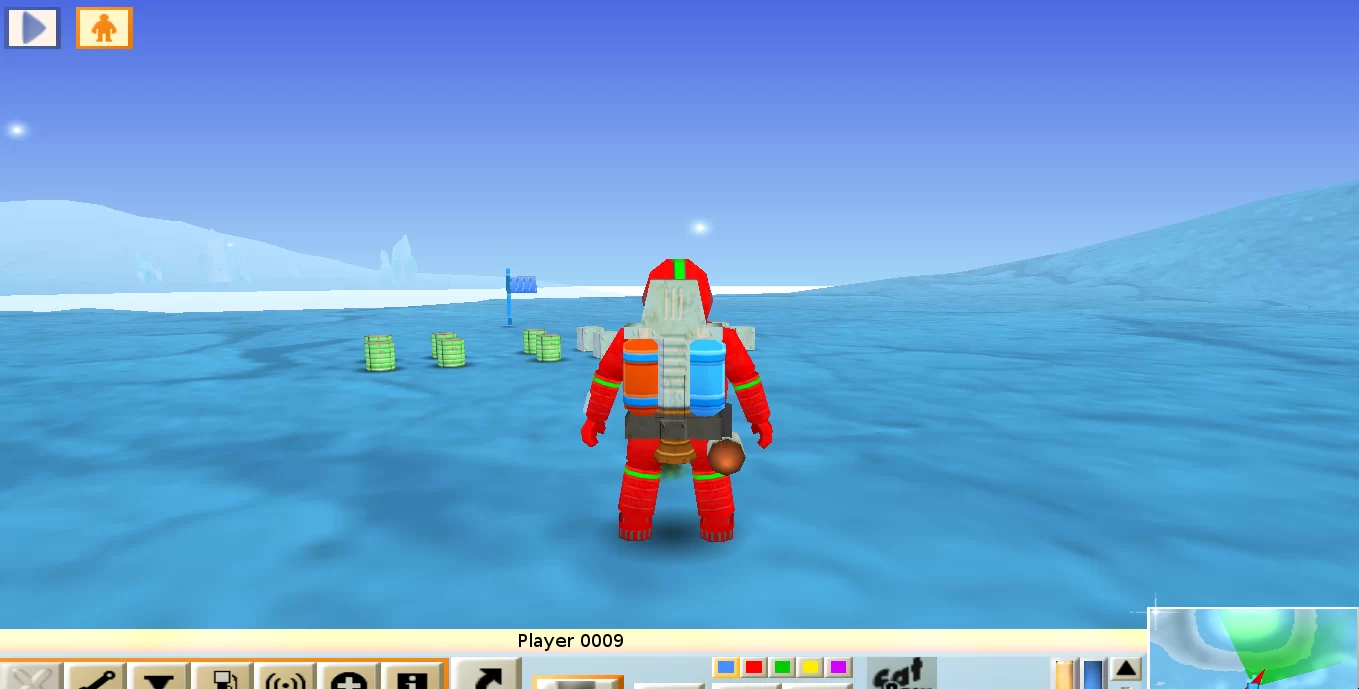
Colobot places you in a three-dimensional world where robots carry out tasks. Missions may involve finding resources, transporting objects or building a base. First consider which tools are available and which task should come first. This turns a game objective into a manageable problem.
Getting started with CBOT
CBOT is a programming language for instructing robots. Start with the built-in programming course and observe the effect of individual commands. For example, make a robot travel a short distance and change direction. Compare its actual movement with what you expected.
Loops and conditions
Loops describe repeated actions. Conditions allow different responses to a situation, and variables store values for later calculations. Think about how a robot could collect several objects and bring them to a collection point.
Debugging your program
Programs do not always work on the first attempt. Check whether individual instructions produce the expected result. If a robot turns incorrectly, examine that instruction instead of rewriting everything. Write down your hypothesis and test it.
A programming project
Draw a square route on paper. A robot should travel four equal distances and turn 90 degrees at each corner. Describe the steps in everyday language, then implement them using appropriate CBOT commands. Try expressing the repetition as a loop.
Learning at home and school
Colobot is particularly suitable for children already comfortable with a mouse and keyboard. Two learners can take turns programming and observing. Discuss why a solution works and whether simpler alternatives exist. Available missions and exercises depend on the installed version. Colobot is free software available independently of Icefun.