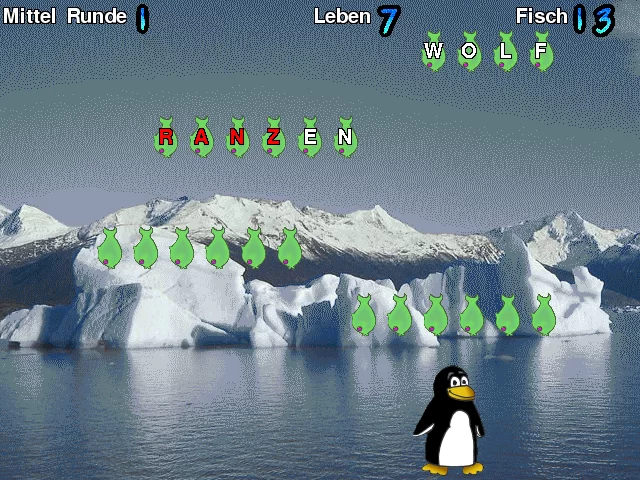
Tux Typing combines keyboard practice with small games. In Fish Cascade, typing the correct letters and words helps Tux catch fish. In Comet Zap, entering characters stops incoming comets. Start with an easy level and learn how the game works.
Explore the keyboard
Begin with a few letters. Find the home position: A, S, D, F on the left and J, K, L and the adjacent key on the right, depending on your layout. The raised marks on F and J help you locate your hands. Return to the home position after pressing a key.
Type words and sentences
Once individual letters are familiar, move on to short words. Recognise parts of words and try not to look down at every keystroke. Additional lessons and phrase exercises may be available depending on the version and language pack. Choose suitable practice material.
Accuracy before speed
Slow, accurate typing is more useful initially than rushing. Keep shoulders relaxed and wrists reasonably straight. Take short breaks when your hands tire. Increase speed only when you can reliably locate frequently used keys.
Languages and layouts
The exercise language and physical keyboard layout are separate things. Make sure the system setting matches your keyboard. Swiss, German and English keyboards differ, for example. Not every language pack contains identical exercises.
A short exercise
Spend two minutes on individual letters and three minutes on short words. Then write your own sentence in a text editor. Discuss which keys are still difficult to find. Regular short sessions can help develop typing skills.