Start with a kick drum on each quarter note, add a snare on beats two and four, then add a hi-hat between them. Repeat the pattern in the rhythm editor. Listen to each part on its own and then together. Change the tempo and notice how the mood changes.
Compose melodies
Choose an instrument and open the Piano Roll. The vertical position and length of a note block determine its pitch and duration. Place four notes, listen, then rearrange them. You can explore musical ideas even without reading sheet music.
Arrange a song
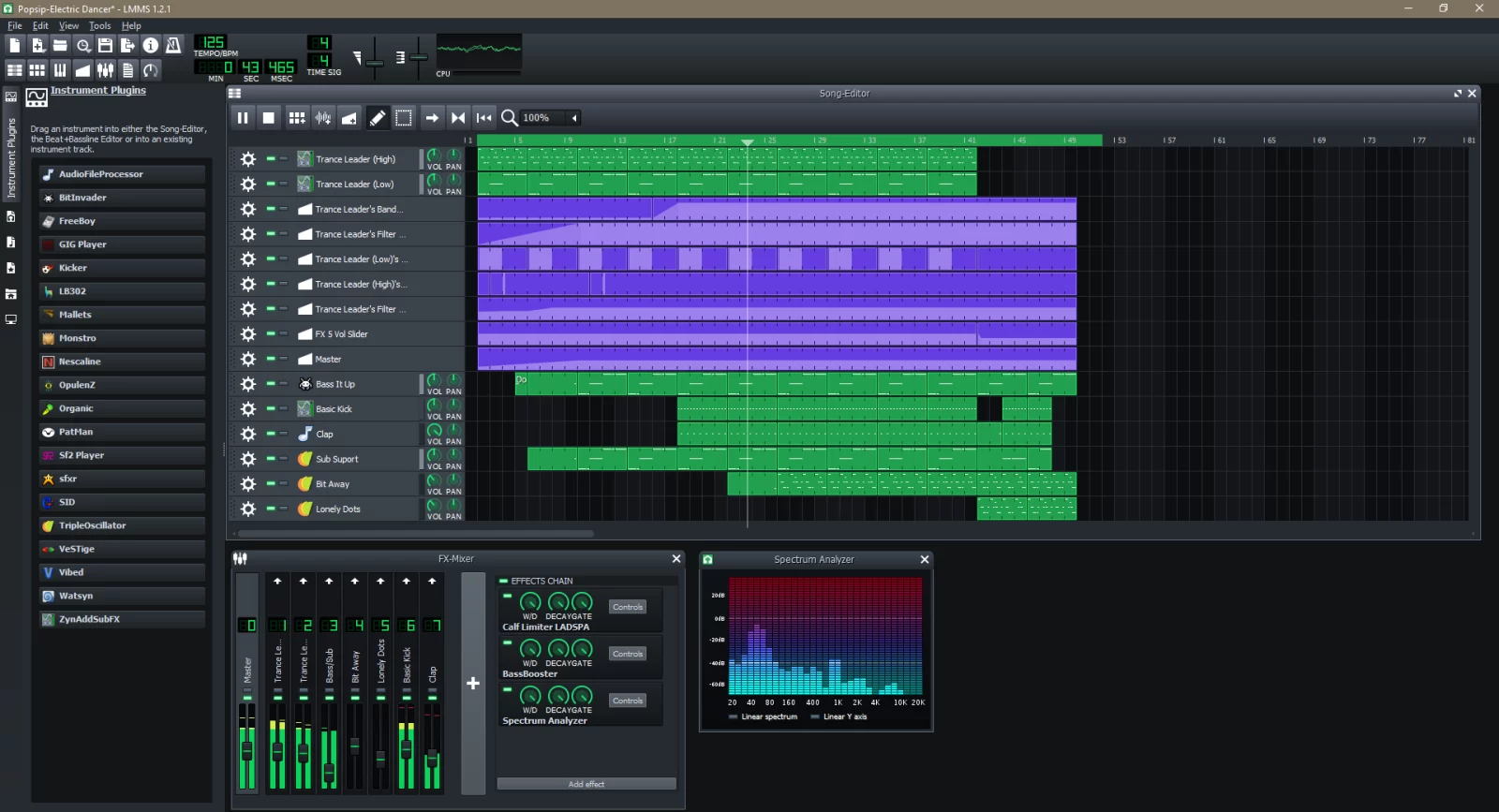
The Song Editor lets you organise rhythmic patterns and melodies across tracks. Repeat a rhythm for four bars and introduce a melody. Leave gaps in individual tracks to create contrast and give your piece a sense of structure.
Explore sounds
LMMS provides synthesised instruments, presets and samples. Try playing the same melody with different instruments. A bright sound feels different from a deep bass. Change one setting at a time and listen carefully to the result.
Mixing and effects
Adjust track volumes so that both melody and rhythm remain audible. Reverb can give a sound a sense of space. Compare the result with and without the effect. Keep the overall volume moderate to avoid distortion.
Your own project
Compose a short piece for an imaginary winter story. One person creates the rhythm and another the melody. Save the project and export the result as an audio file. Discuss which musical choices support the story. LMMS is free software available independently of Icefun.