How the game works
Bring the red object to the yellow target by drawing shapes with the mouse. Your drawings become part of the game world and respond to simulated physics.
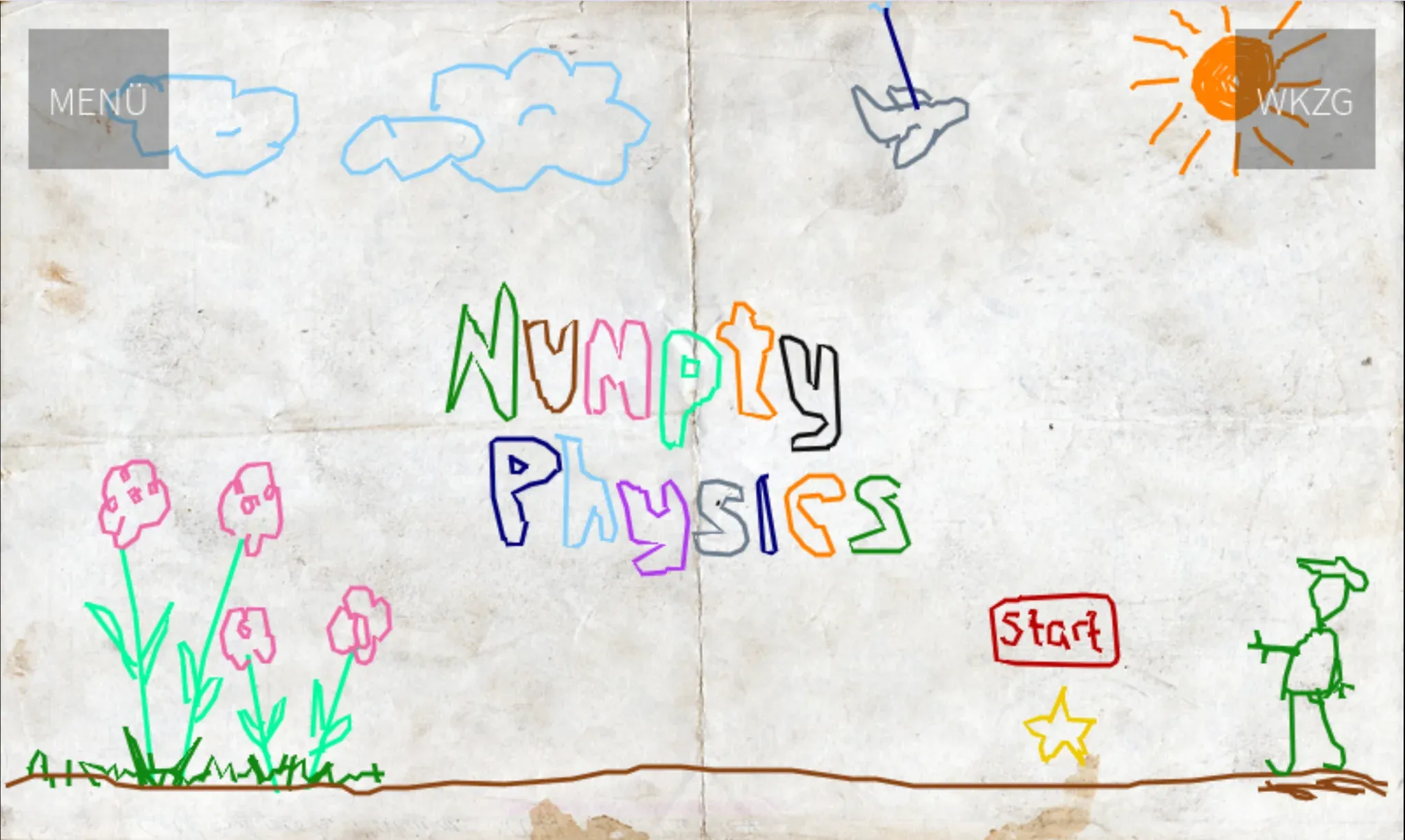
Draw lines, ramps and shapes that move under gravity. Solve puzzles by bringing the red object to the yellow target. Experiment with levers, balance and motion.
Bring the red object to the yellow target by drawing shapes with the mouse. Your drawings become part of the game world and respond to simulated physics.
Draw a shape above an empty area and observe it falling. A sloping surface can guide an object sideways. Compare shallow and steep ramps.
A long shape resting on a support can act as a lever. Change the support position and observe how the movement changes. Try lifting an object with it.
Build a structure from several shapes. Observe which parts remain stable and which tip over. Change the arrangement and see whether the structure becomes more stable.
First decide which direction the red object needs to move. Try a simple ramp, a push or a lever. If the attempt fails, change just one part and observe the difference.
Place an eraser under a ruler and gently press one end. Move the eraser and compare the effect. Discuss which observations match the game and where the simulation simplifies reality.
gPlanarity · GCompris · Tux Paint · Colobot · TuxMath · Tux Typing · LMMS · PosteRazor · KTuberling · Numpty Physics
Icefun Linux – CHF 25, one-time payment.
Buy Icefun Linux