From image to poster
Choose a photo, drawing or map. Higher resolution preserves more detail when enlarging. Check the crop before importing.
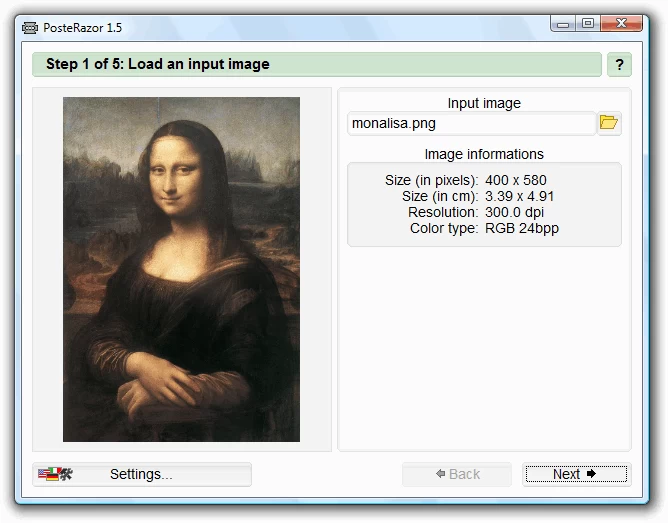
PosteRazor splits a large image across printable pages. Choose an image, paper size, overlap and poster dimensions. Export a PDF, print the pages and assemble your poster.
Choose a photo, drawing or map. Higher resolution preserves more detail when enlarging. Check the crop before importing.
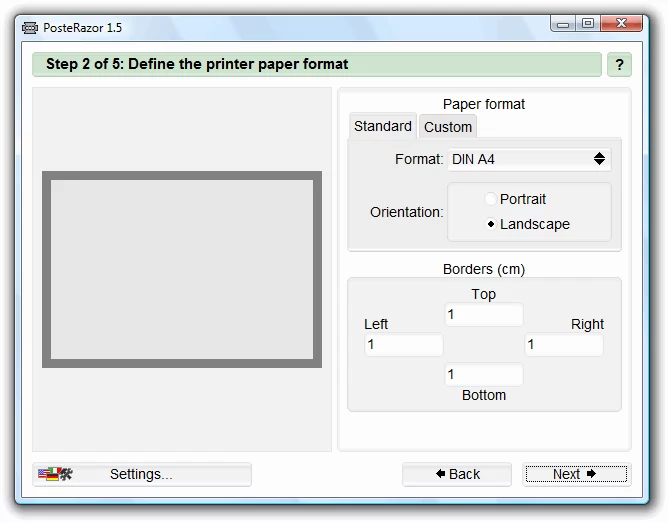
Choose the paper size and orientation to match your printer. Allow for non-printable margins so that no parts of the image are lost.
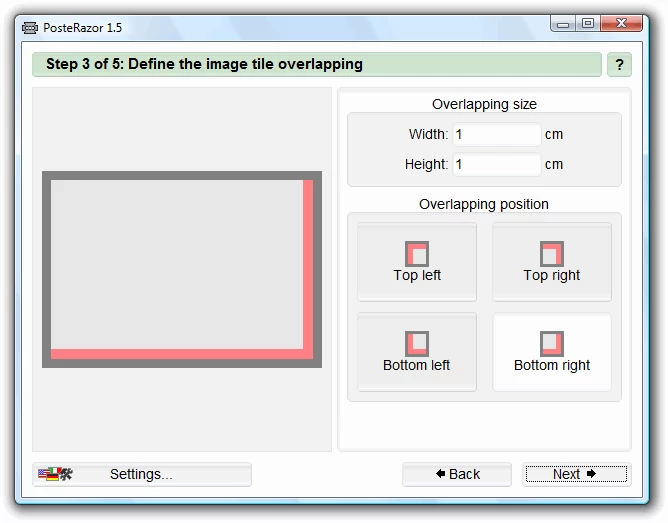
Overlapping image areas make assembly easier. Leave enough space to place one sheet over the next and align the image precisely.
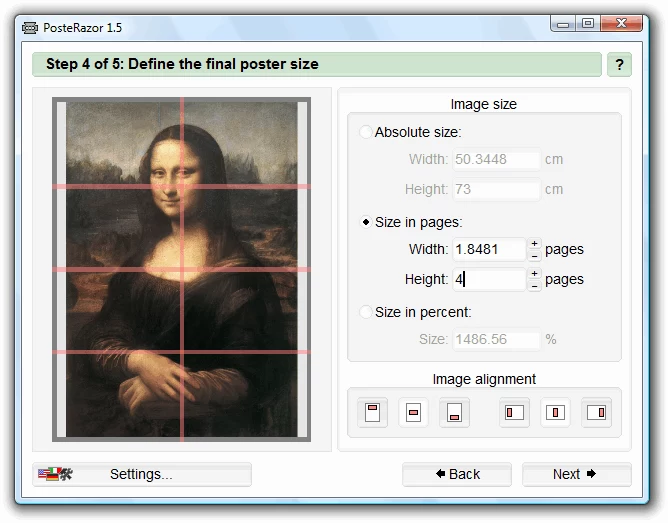
Experiment with width, height and sheet count. Measure the available wall space and compare it with the planned size. Preserve the aspect ratio to avoid distortion.
Save the poster as a PDF. Print a test page at actual size without automatic scaling. Arrange all sheets on a flat surface, trim unnecessary margins and join the pieces.
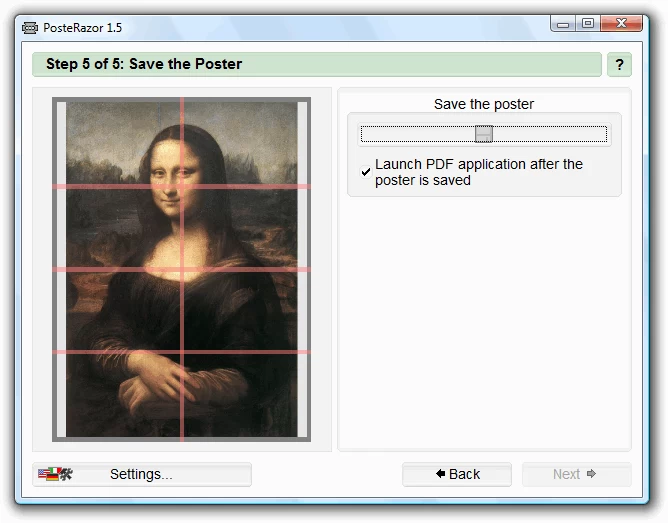
Create a large world map, a hand-drawn classroom poster or a photo collage. Estimate the paper needed and compare the planned dimensions with the result. PosteRazor combines creative work with practical geometry.
gPlanarity · GCompris · Tux Paint · Colobot · TuxMath · Tux Typing · LMMS · PosteRazor · KTuberling · Numpty Physics
Icefun Linux – CHF 25, one-time payment.
Buy Icefun Linux